
Task management
Tasks, projects & workflows - deadlines and progress under control
Task lists with clear ownership, subtasks and progress - recurring ones create themselves. Tasks wait for each other, and workflows take processes across several people to the finish step by step.
No payment details · Hosted in Germany
What it does
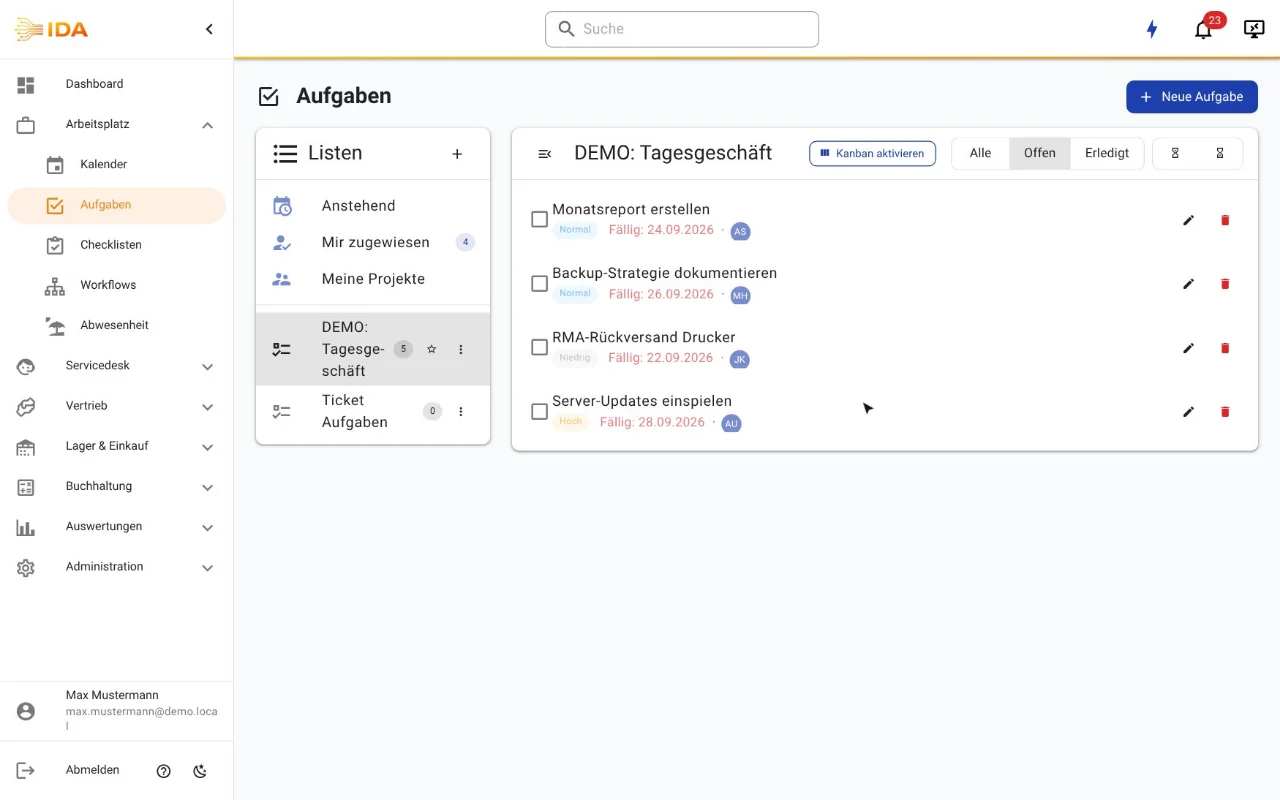
Task lists with visibility levels (private, shared, team, department, public)
Kanban board and list view - drag tasks between columns
Subtasks and a progress indicator from 0 to 100 per cent
Time estimate per task
Assignment to several people at once
Recurring tasks (daily, weekly, monthly) with placeholders such as {date} or {week}
The next task is created automatically once the current one is done
Links to tickets
Comments, attachments and watchers who follow along without owning the task
Dependencies: a task waits for another one, across lists and tickets. Once everything is done, the owners are notified
A timeline next to the kanban board: what is due when and what it is waiting for
Workflows: processes across several people as a template, steps in sequence or in parallel, owned by a person or a team
Deadlines per workflow step, counted from the previous step or fixed from the start, for example on the 25th of the month
A workflow step can bring a checklist; once the checklist is completed, the step is done
Handover: whoever completes a step passes information on to the following steps
Workflows start by hand, as a series, from a ticket or automatically, for example when a customer or employee is created or a form is submitted
Workflow templates visible only to selected departments or teams
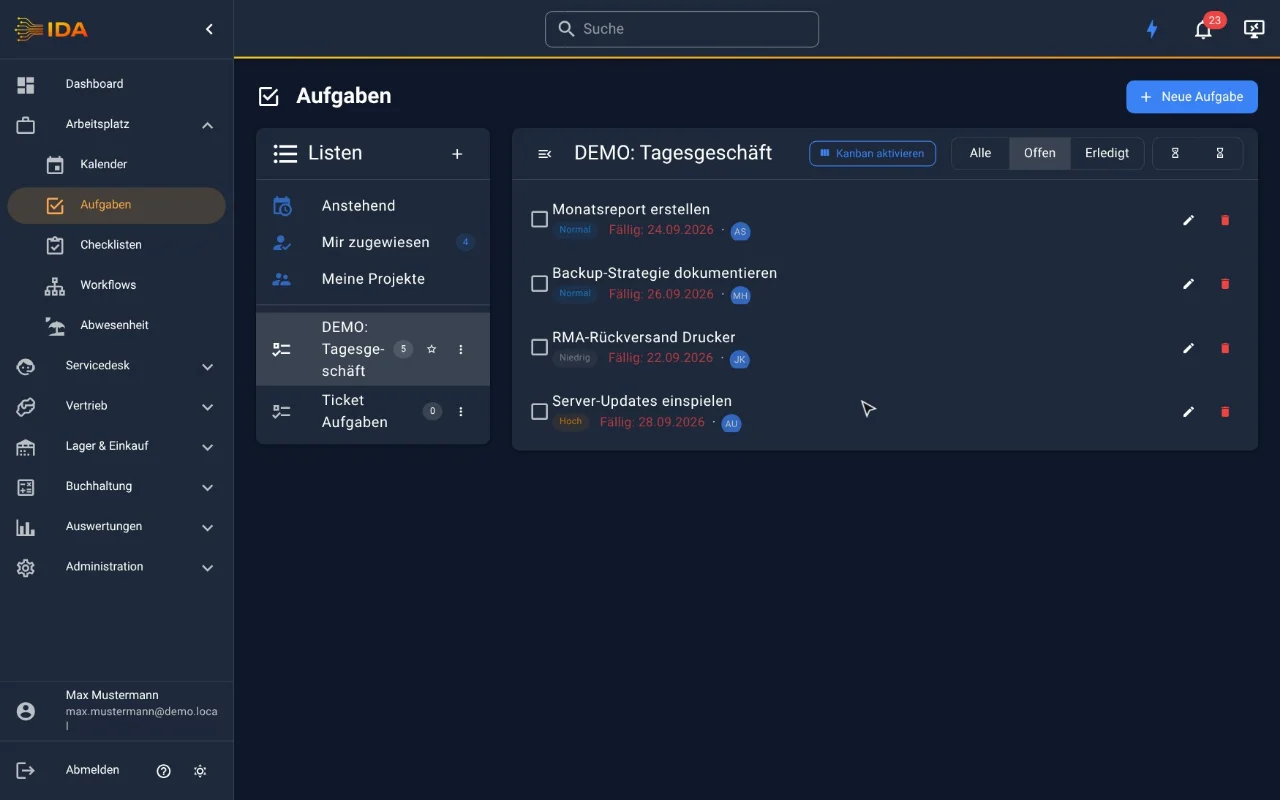
Personal and shared lists
In practice
In practice
A new customer is created and IDA starts the matching workflow: set up accounts, order hardware, prepare workstations with a checklist, hand over to the customer. Each step only reaches its owners once the previous one is done, with its own deadline. Recurring routine tasks recreate themselves anyway, with the date in the title.
Frequently asked questions
Can tasks recur automatically?
Yes. Recurring tasks are created at intervals you choose; placeholders in the title (for example {date}, {week}) are filled in automatically. Once a task is done, the next one appears by itself.
Who sees which tasks?
Visibility levels (private, shared, team, department, public) control exactly who may see a task list.
Can tasks be linked to tickets?
Yes. Tasks can be attached to tickets so the connection stays visible.
Is there a board view?
Yes. Tasks can be shown as a kanban board with columns or as a classic list; drag and drop moves them between columns.
Can tasks wait for each other?
Yes. Every task can name the task it is waiting for, across lists and tickets. List, kanban board and ticket show “waiting for”, and once everything is done the owners are notified - in IDA, as a push message and by email.
How does a workflow differ from a checklist?
One person works through a checklist in one go. A workflow runs across several people and days: every step has its own owners and its own deadline and only becomes due once the previous step is done. A step can bring its own checklist.
Try IDA free for 30 days
No payment details. One price, everything included.