Calendar & appointments
Calendar & availability - appointments and absences in one place
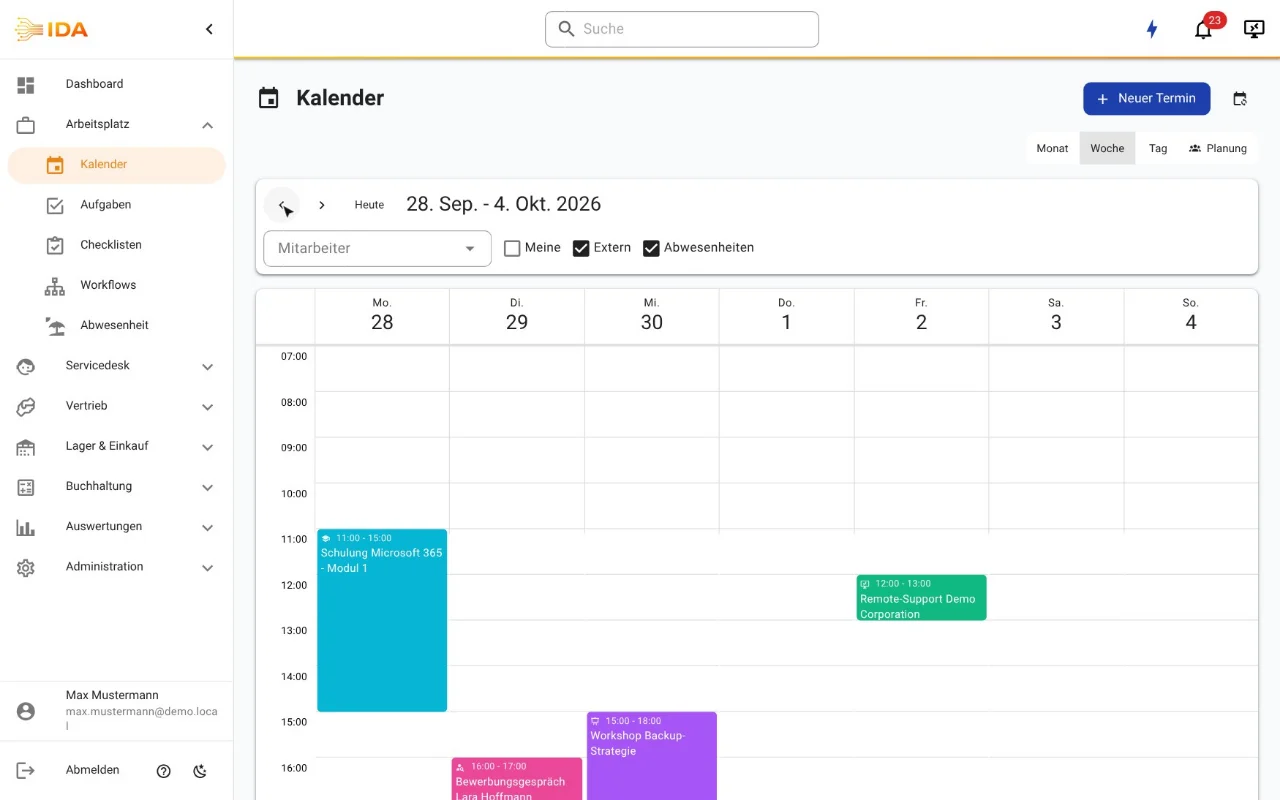
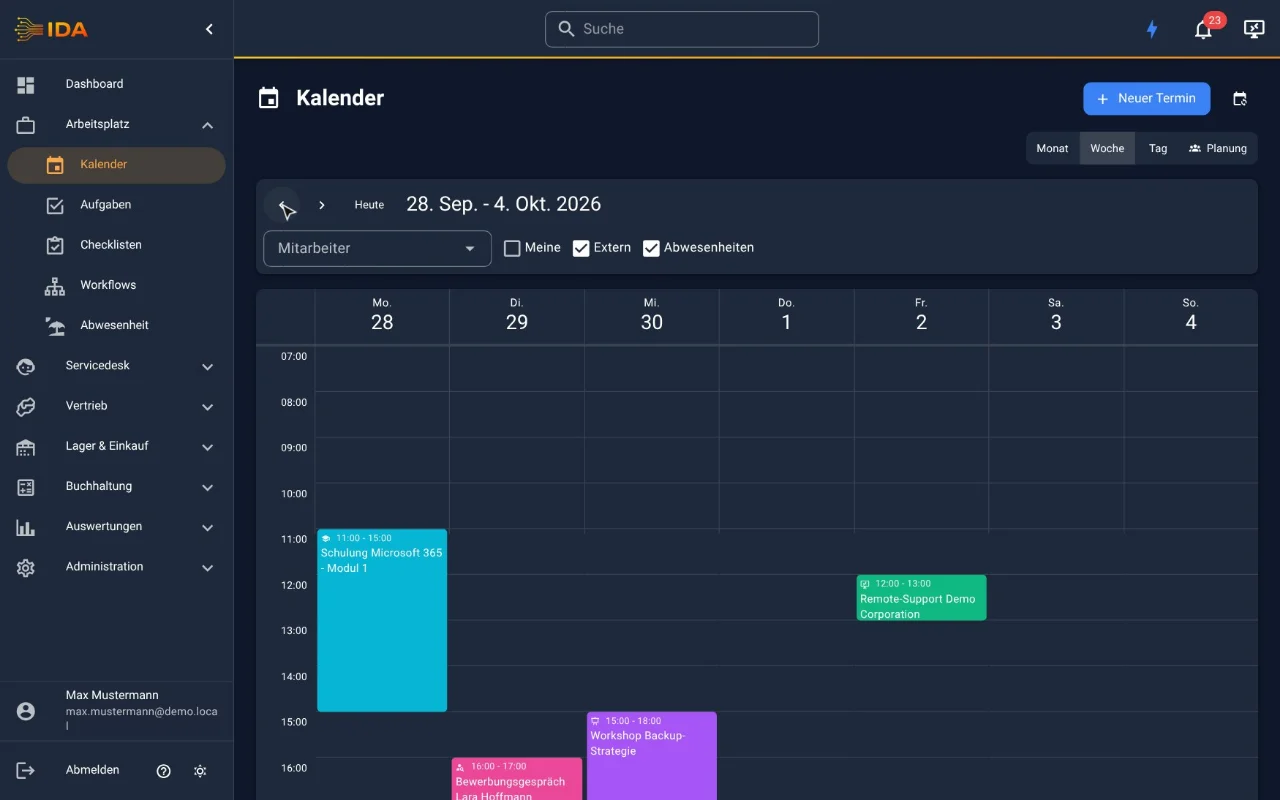
Appointments, series and absences in one place. Jobs land straight in the technicians' Outlook or Google calendar, and planning sees when someone is busy there. Approved leave appears in the team calendar by itself, whether it comes from IDA or from a connected leave system.
No payment details · Hosted in Germany
What it does
Appointments linked to tickets
Recurring appointments at intervals you choose
Appointment types with configurable colours and icons
Attendee management with responses (accepted, declined, maybe)
Appointments straight in the Outlook calendar (Microsoft 365) or Google Calendar (beta) of everyone involved: moving and cancelling take effect at once, with a reminder on the phone
Busy times from Outlook or Google in job planning, without revealing private appointments
iCal export and import plus subscriptions to external calendars (public holidays, for instance)
Personal and filtered iCal feeds (by user, team or department)
Absences (leave, sickness, training) in the calendar - requested and approved in IDA itself or taken over from a connected leave system
Reminders by email and Microsoft Teams
Set appointment types to free, busy, tentative or away: home office as "free" raises no conflict warning while planning
Team calendar with planning
In practice
In practice
Approved leave appears in the team calendar automatically and feeds into the utilisation figures - which is how double booking is avoided. Requesting and approving happens in IDA; if you already run a leave system, you connect it instead.
Frequently asked questions
Can I see appointments in Outlook or Google?
Yes, in two ways. With the Microsoft 365 or Google Workspace connection IDA writes appointments straight into the calendar of everyone involved and shows during planning when someone is busy there. Without it there are personal and filtered iCal feeds to subscribe to.
Where do the absences in the calendar come from?
From IDA itself: leave and sickness are requested and approved here and then appear in the team calendar - see absence, leave and time accounts. If you already run a leave system, you connect it and take approved absences from there instead.
Do absences feed into utilisation?
Yes. Leave and sickness are part of the utilisation calculation in the reports, as are overtime accrued and taken.
Try IDA free for 30 days
No payment details. One price, everything included.